Compare Webflow templates with a scorecard for page fit, CMS, components, responsive behavior, customization cost, performance, licensing and long-term maintenance.
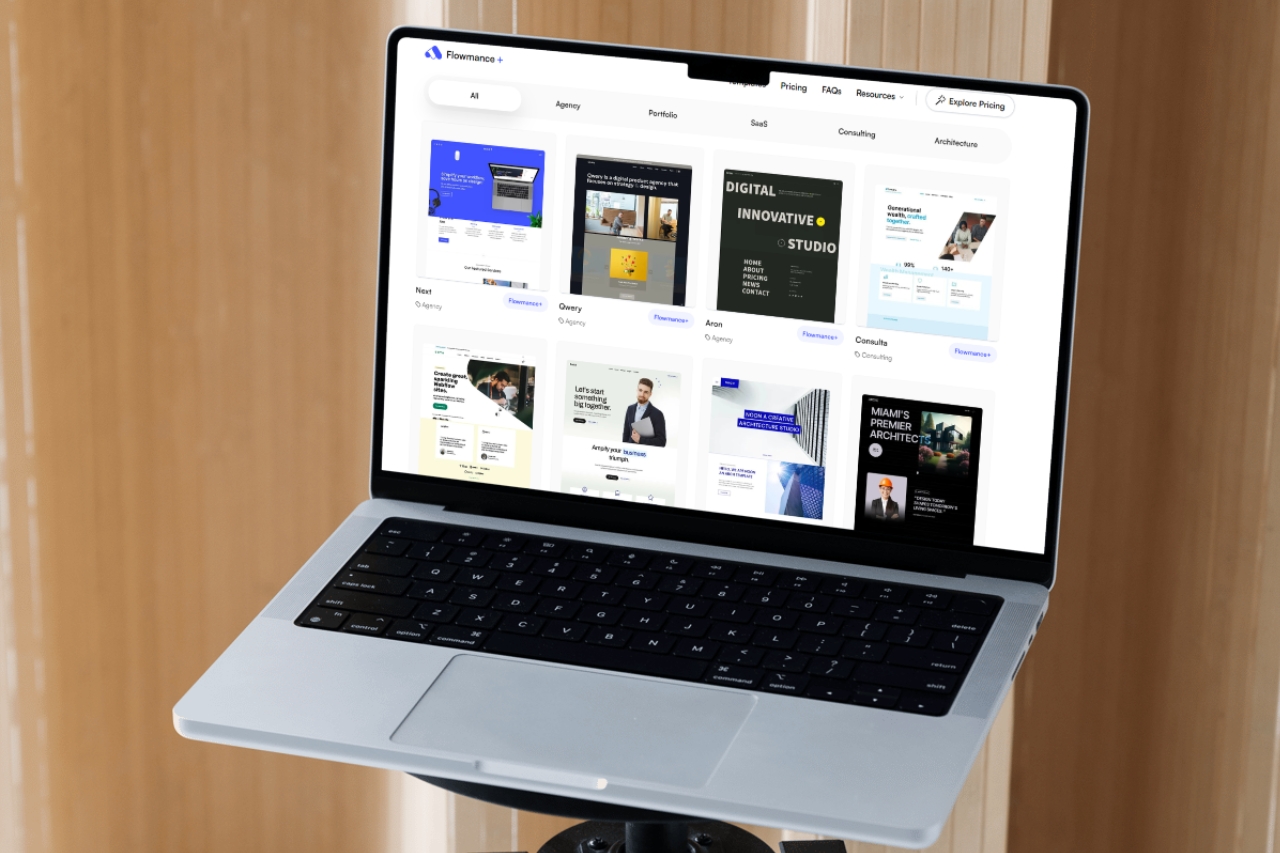
A generic “top 10” list is rarely enough to choose the right Webflow template. The best option changes with the project, so use a repeatable scorecard instead of treating one design as universally best.
List the required pages and mark how many already have a useful structural equivalent in the template.
Compare projects, articles, services, team members or other recurring content with the existing Collections and fields.
Inspect navigation, cards, CTAs, forms and other repeated UI. Reusable, understandable systems reduce later maintenance.
Test long headings, real navigation labels, portrait and landscape media, forms and interactions across intermediate widths.
Mark major sections keep, adapt or replace. A visually attractive template with mostly “replace” items is not an efficient starting point.
Note autoplay video, heavy interactions, large media and external dependencies that may need simplification in production.
Confirm project-use rights and whether the template's structure is understandable enough for the team that will maintain it.
The best Webflow template is the highest-scoring fit for the brief, not the winner of a universal ranking. Browse the current Webflow template library with the same scorecard.











Don’t miss out on our superb, customizable templates designed to enhance your web design experience. We constantly add new templates and components.

Explore stunning Webflow, Framer, HTML5, Next.js and Figma templates designed to spark your next big idea.


*Rest assured that your data is safe with us, and you'll only hear from us 1 time per month.
