Compare template libraries and marketplaces by project quality, structure, platform coverage, licensing, update practices, support scope, search experience, and total workflow fit.
No template library or marketplace is best for every team. Compare them by the quality of the starting systems and the workflow around them, not only by total catalog size.
A large marketplace offers breadth, but a curated library can be faster to navigate. Ask how many designs genuinely match the project types your team builds rather than how many total items exist.
Open internal pages, CMS templates, components, forms, and utility pages. A marketplace thumbnail tells you very little about how maintainable the project will be after customization.
Some creators specialize deeply in one platform; others offer selected designs across Webflow, Framer, Figma, HTML, or code-based formats. Multi-platform coverage matters only if your team actually uses those workflows.
Compare client use, project limits, redistribution restrictions, and what happens to source access after a plan ends. Marketplace and independent-library licenses can differ substantially.
Website builders evolve. Check whether the creator maintains older products, how fixes are distributed, and whether major platform changes are documented.
Understand what support covers: setup, reproducible bugs, platform compatibility, or custom work. Avoid comparing vague “support” claims without reading the actual scope.
A useful library should make it easy to narrow by platform, category, style, or another meaningful attribute. Search friction has a real cost when a team selects starting points frequently.
A cheaper library that rarely fits your projects can cost more in customization time. A more expensive option can be efficient if it consistently saves meaningful production work.
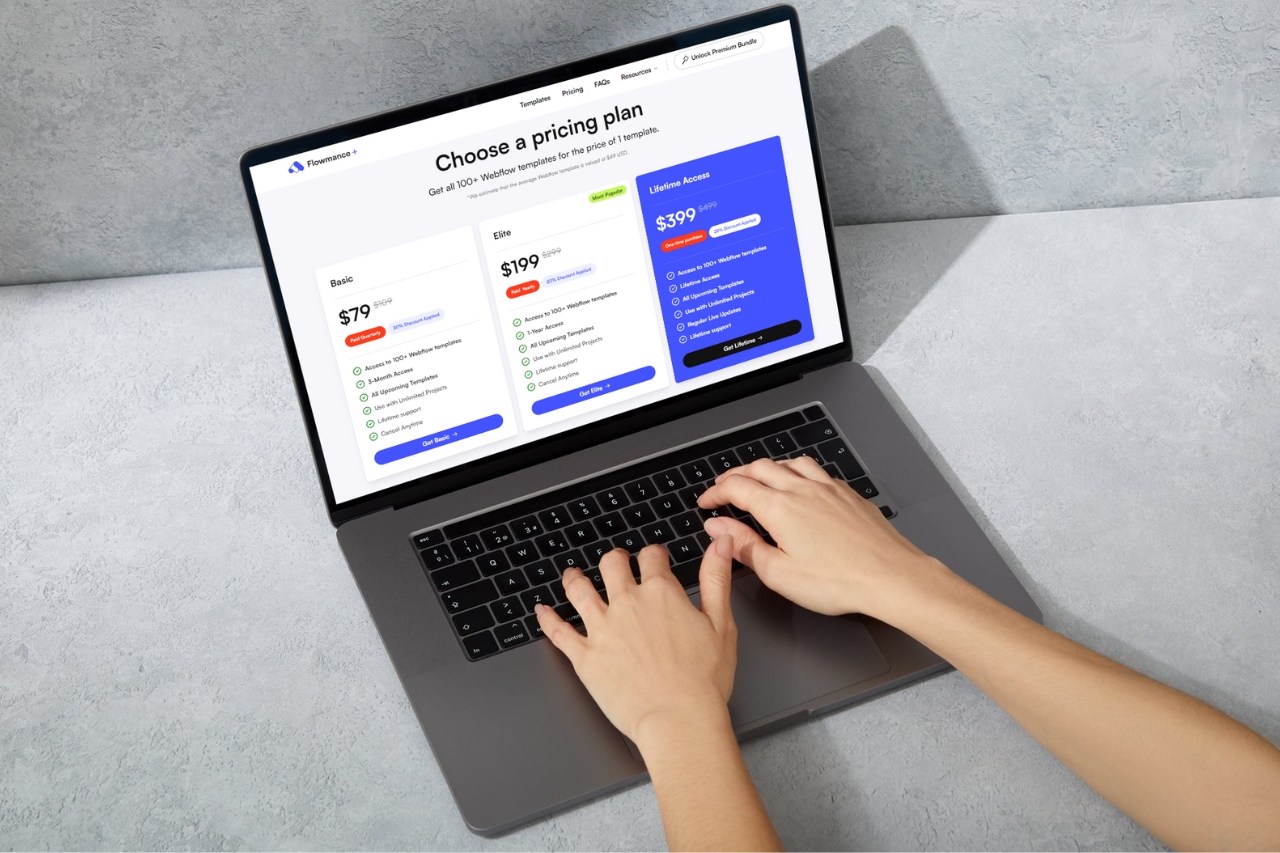
Evaluate Flowmance through its current Webflow, Framer, Figma, and HTML collections, then compare the same criteria with any marketplace you are considering.











Don’t miss out on our superb, customizable templates designed to enhance your web design experience. We constantly add new templates and components.

Explore stunning Webflow, Framer, HTML5, Next.js and Figma templates designed to spark your next big idea.


*Rest assured that your data is safe with us, and you'll only hear from us 1 time per month.
